
Closing an online casino account is a personal decision. You might be taking a break from gambling, switching platforms, or simply no longer need the account. If you are a player in the United Kingdom looking for instructions on how to delete a Red Lion Casino account, the key is to contact the casino through an official channel and clearly state what you want done.
Before acting, distinguish between a temporary break, a request to stop marketing, and permanent account closure. These are not always the same process. If gambling is causing you concern, consider asking for a self-exclusion period rather than relying only on account deletion. Self-exclusion is designed to prevent access for a set period and may involve additional protections.
Before you request account deletion
Take a few minutes to check your account and gather any information you may need. This can help avoid delays and reduce the chance of leaving a balance or unresolved issue behind.
- Check your balance: Review your available funds and any pending withdrawals. Ask support how to withdraw eligible funds before closure.
- Review open activity: Check whether you have unsettled bets, active bonuses, or pending transactions. Bonus funds may have separate terms and may not be withdrawable.
- Save relevant records: Keep copies of transaction details, support messages, and account statements you may need later.
- Use your registered contact details: Contacting support from the email address linked to your account can make identity checks easier.
- Decide what kind of closure you need: If you want a short break, ask about temporary suspension or time-out options. If you want to stop gambling, ask specifically about self-exclusion.
Do not send passwords, full payment-card details, or security codes in an email or live chat. A legitimate support team should not need your password to process a closure request. If identity verification is required, follow the casino’s instructions and use only its official website or support channel.
How to request Red Lion Casino account closure
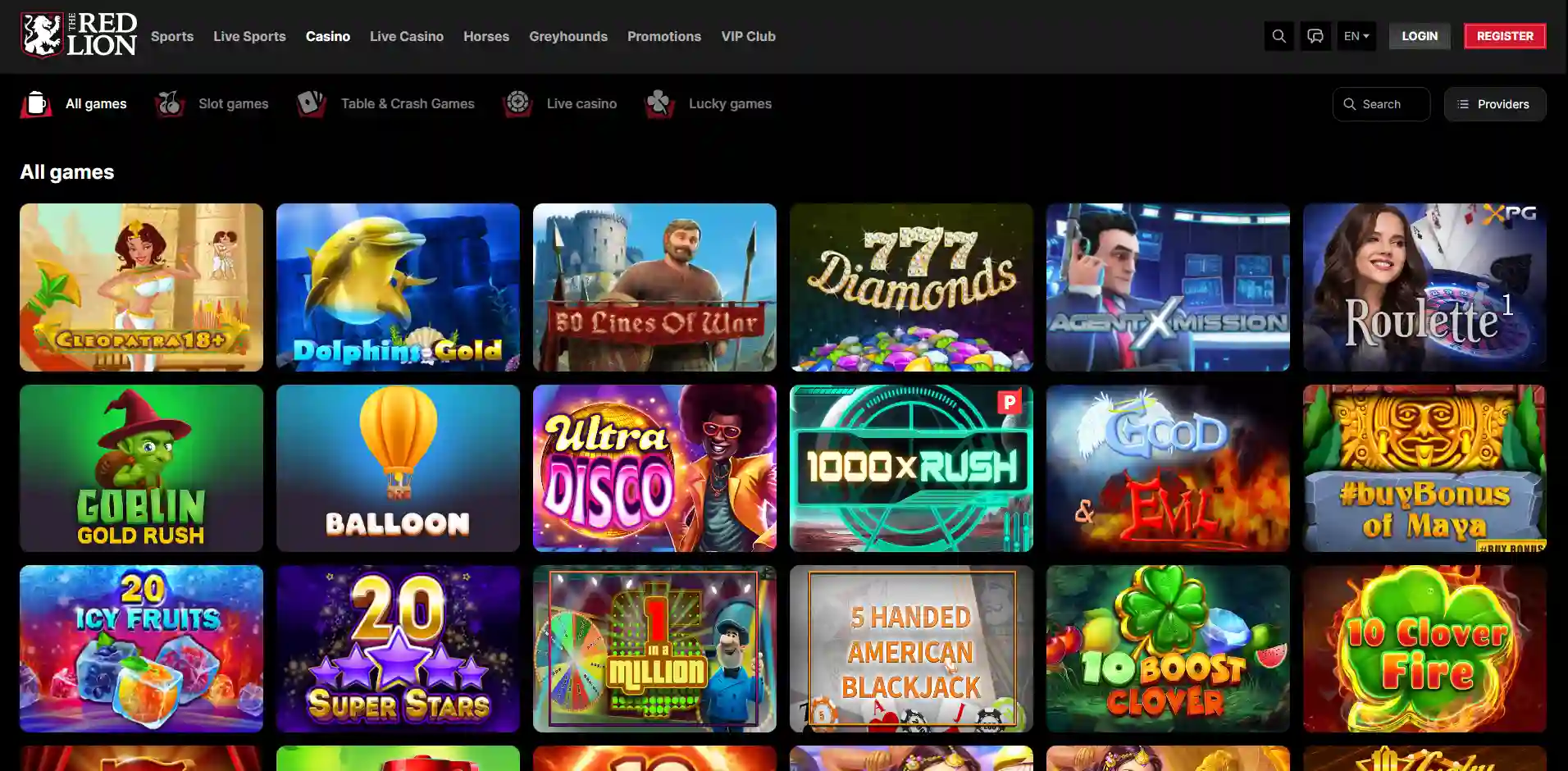
Red Lion Casino’s available contact methods and account procedures can change. Check the casino’s current website for its support options and terms rather than relying on an old phone number or email address found elsewhere. If you cannot sign in, use the public contact or help page and explain that you are the account holder requesting closure.
- Sign in, if possible. Open the casino’s official site and log in. Look in the account area for responsible-gambling, account-management, or support options.
- Contact customer support. Use the contact method currently listed on the official website. If a live-chat agent cannot close the account directly, ask them to direct you to the correct team or process.
- Make the request explicit. State whether you want permanent closure, a temporary break, or self-exclusion. If you want the account deleted rather than merely deactivated, ask what deletion means under the casino’s policy.
- Complete reasonable checks. Support may ask for information to confirm that you own the account. Provide only what is requested through an official channel.
- Resolve outstanding matters. Ask about eligible remaining funds, pending withdrawals, open wagers, and any documents or transactions still being reviewed.
- Request written confirmation. Keep the reply confirming the action taken, its effective date, and any restrictions that apply.
Example message to customer support
You can adapt this message without including sensitive payment information:
Subject: Request to close my Red Lion Casino account
Hello, I am the account holder and would like to request permanent closure of my Red Lion Casino account. Please tell me whether any balance, pending withdrawal, or verification matter needs to be resolved first. Please also confirm in writing when the account has been closed and whether the closure is permanent. If self-exclusion is the appropriate process, please explain how to set that up. Thank you.
If your reason is that gambling is becoming difficult to control, say so plainly and ask for self-exclusion rather than just account deletion. You do not need to share personal details about your circumstances to request help.
Account deletion, closure, and self-exclusion
These terms can describe different actions, so ask support to explain exactly what will happen. Closing an account may prevent you from logging in, while deletion may refer to removing or restricting personal information. A casino may also need to retain certain records for legal, regulatory, fraud-prevention, or financial reasons. As a result, a request to delete an account does not necessarily mean that every record can be erased immediately.
Self-exclusion is a separate responsible-gambling measure. It is intended to restrict access for a chosen period or longer, according to the operator’s process. If you are in the UK, you can also look into support and blocking tools offered by independent organisations and financial providers; These can provide help beyond a single casino account.
Questions and answers
Can I delete my account through the website?
There may or may not be a self-service option. Check the official account and help pages. If you cannot find one, contact support and request closure in writing.
What happens to money in my account?
Ask the casino to confirm your balance and explain how to withdraw any eligible funds. A pending withdrawal or verification check may affect timing. Do not assume that closing the account automatically transfers the money.
Will closing my account stop promotional emails?
Ask support to stop marketing communications as well as close the account. You can also use an unsubscribe link in a promotional email, but that may not close your casino account or change its status.
Can I reopen a closed account?
That depends on the type of closure and the casino’s rules. A temporary break may have a defined end date, while self-exclusion can involve restrictions that cannot be lifted immediately. Ask for the terms before choosing an option.
What if support does not respond?
Keep a copy of your request and any case reference. Follow up through another contact method listed on the official site. If the issue concerns a UK gambling service, check the operator’s published complaints procedure and the relevant regulator information. Do not create another account to get around a restriction.
What to check after submitting your request
Wait for written confirmation rather than assuming that an unanswered message has closed the account. Make sure the confirmation identifies the action taken and clarifies whether you can still access account records or complete a pending withdrawal. If you requested self-exclusion, check the start date and duration carefully.
After closure, remove saved casino payment details from your browser or device if you no longer want them stored there. You may also want to unsubscribe from marketing messages and consider using gambling-blocking tools. These steps are separate from account closure, but they can make it easier to stick to your decision.
Keep the confirmation and any relevant correspondence in a safe place. If a deposit, withdrawal, or identity check remains unresolved, continue the conversation through the official support channel and retain the reference number. Avoid sharing screenshots publicly if they show your name, account ID, address, or financial details.
A practical note for UK players
When choosing an online casino, check that its current terms and support information are clear, and verify its licensing status through the appropriate official sources. A reputable operator should explain how to contact support, manage an account, submit a complaint, and access responsible-gambling tools. Casino games—including the most played slot categories online—are entertainment, not a reliable way to make money. No game or betting strategy can guarantee a win.
If you are closing your account because gambling is affecting your finances, relationships, work, or wellbeing, consider speaking to someone you trust and contacting a UK gambling-support service. You can ask for help without waiting until the situation becomes severe. Where there is immediate risk to your safety, contact emergency services.
Final checklist
- Use the casino’s current official support channel.
- Specify whether you want account closure, deletion, a time-out, or self-exclusion.
- Ask about balances, withdrawals, open activity, and verification.
- Do not share passwords or full payment-card details.
- Request written confirmation and keep a copy.
- If you are trying to stop gambling, use self-exclusion and consider independent support.
For most players, the process is straightforward: make a clear written request, complete any necessary account checks, settle eligible outstanding matters, and retain confirmation. Because procedures can change, Red Lion Casino’s official terms and support team are the final source for account-specific instructions.

